
Automate WhatsApp Notifications from Your Own Business Number
Keep your customers informed with appointment reminders, booking confirmations, cancellations, invoices and receipts — all sent through your salon or spa’s connected WhatsApp Business Account.
 WESS
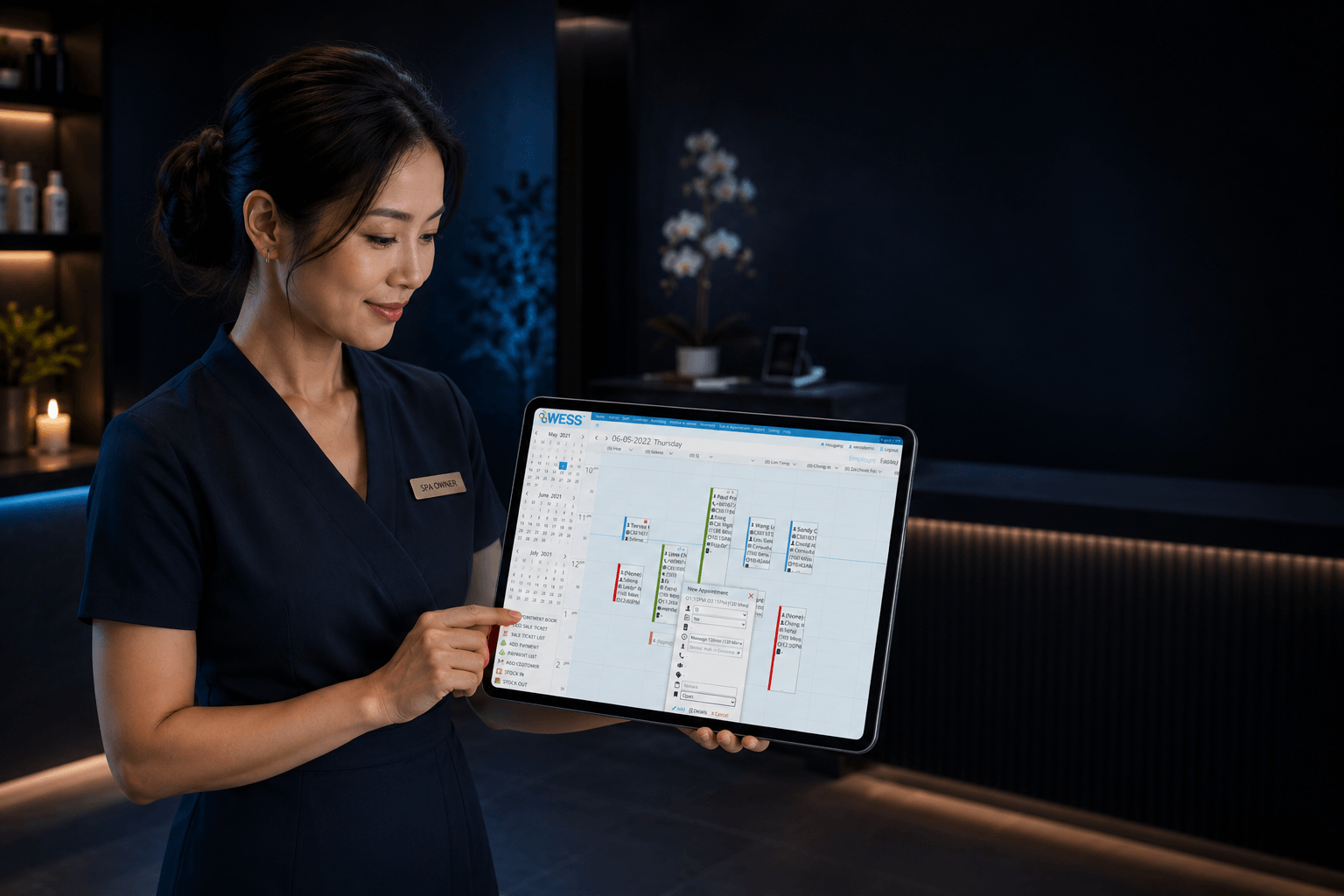
WESSAppointment
 WhatsApp
Message
 Customer
Updated
Connect, choose and track
WESS WhatsApp Connect helps beauty and wellness businesses send important service notifications without manually messaging every customer.

Connect Your Number
Link your business’s WhatsApp Business Account to WESS through the guided setup flow.

Choose Notifications
Select which appointment, invoice or receipt notifications should be sent automatically.

Track Message Status
See whether messages are sent successfully or failed directly inside WESS.
Routine customer updates, handled automatically
Keep customers informed at every important step, using the WhatsApp number they already recognise from your business.

Appointment Reminders
Automatically remind customers before upcoming appointments to help reduce missed visits and last-minute no-shows.
Booking Confirmations
Send instant confirmation when a customer’s appointment is successfully booked in WESS.

Cancellation Notifications
Notify customers when an appointment is cancelled or changed, so they always stay updated.

Invoices & Receipts
Send invoice or receipt notifications through WhatsApp after payment or service completion.

Use Your Own WhatsApp Number
Messages are sent from your connected business number, not from a shared WESS number.
Message Status Tracking
View message status in WESS so your team knows whether customer notifications were sent successfully.
More consistent communication, with less front desk work

Timely reminders help customers remember their bookings and can reduce no-shows.

Your team no longer needs to manually message every customer for routine updates.

Customers receive consistent service updates from your own business number.

Track notification status in WESS instead of wondering whether customers were informed.
Useful across everyday salon and spa operations
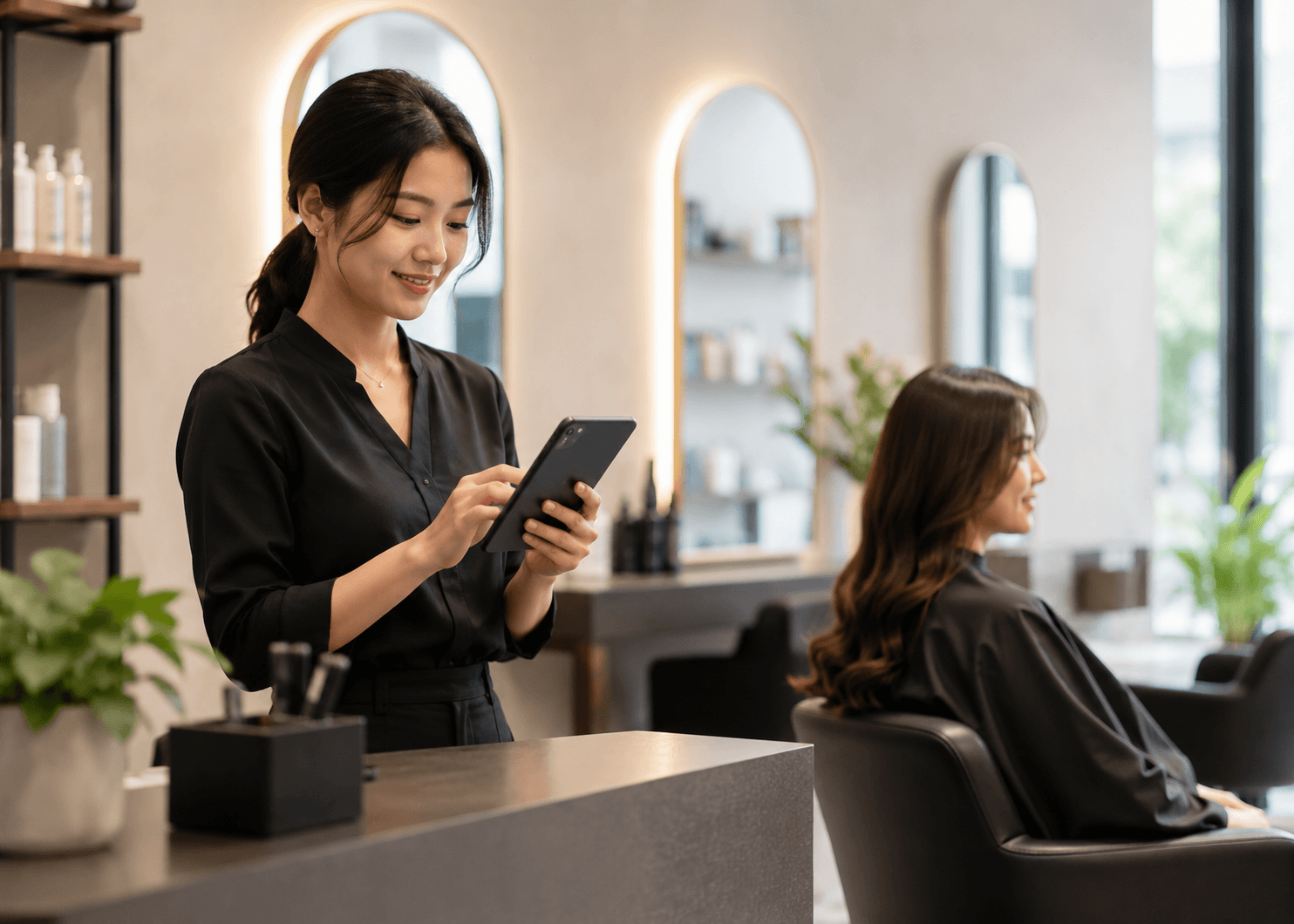
Salon Appointment Reminder
Haircut, colouring, facial, manicure or treatment reminders.
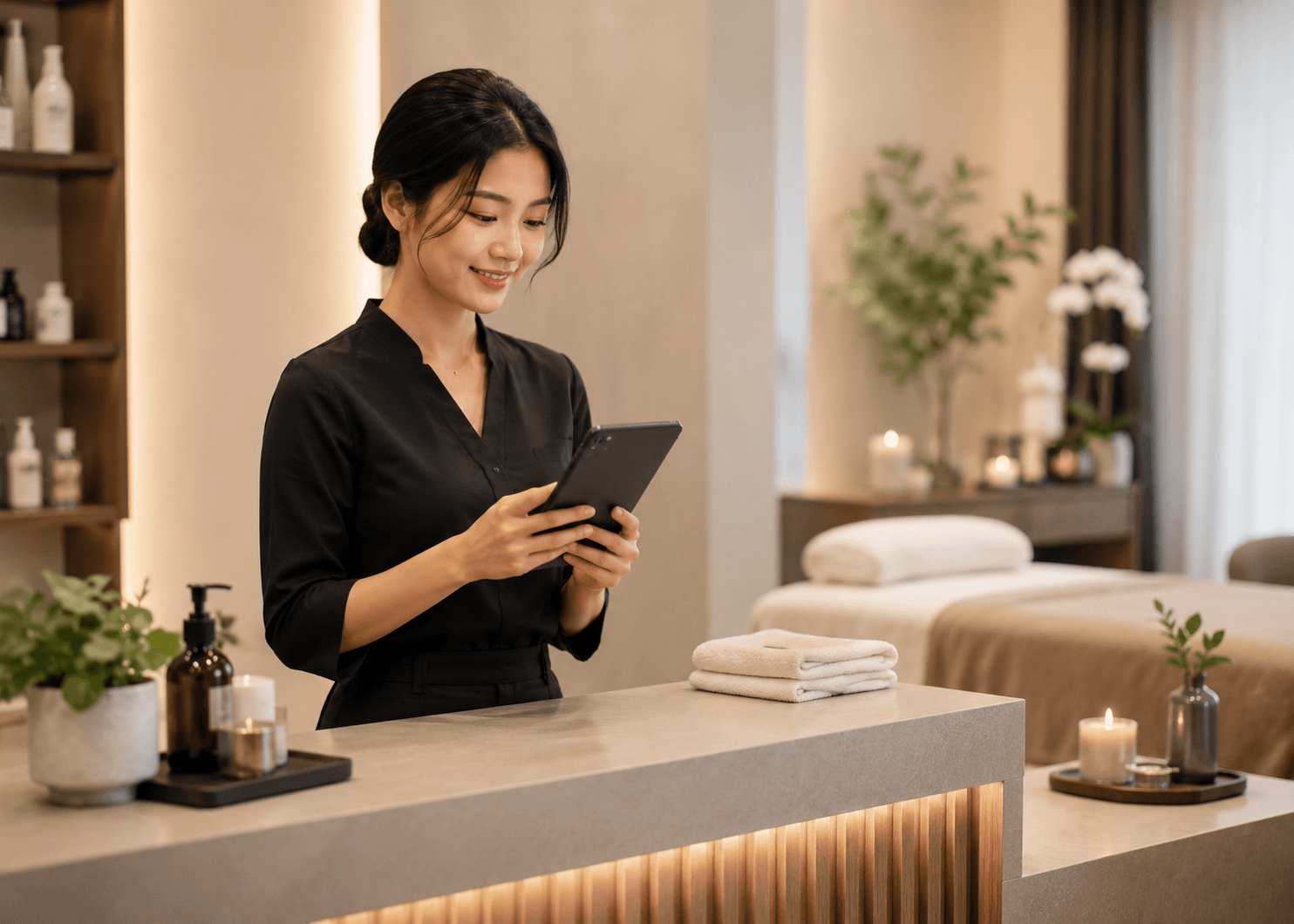
Spa Booking Confirmation
Confirmation for massages, spa packages and wellness sessions.
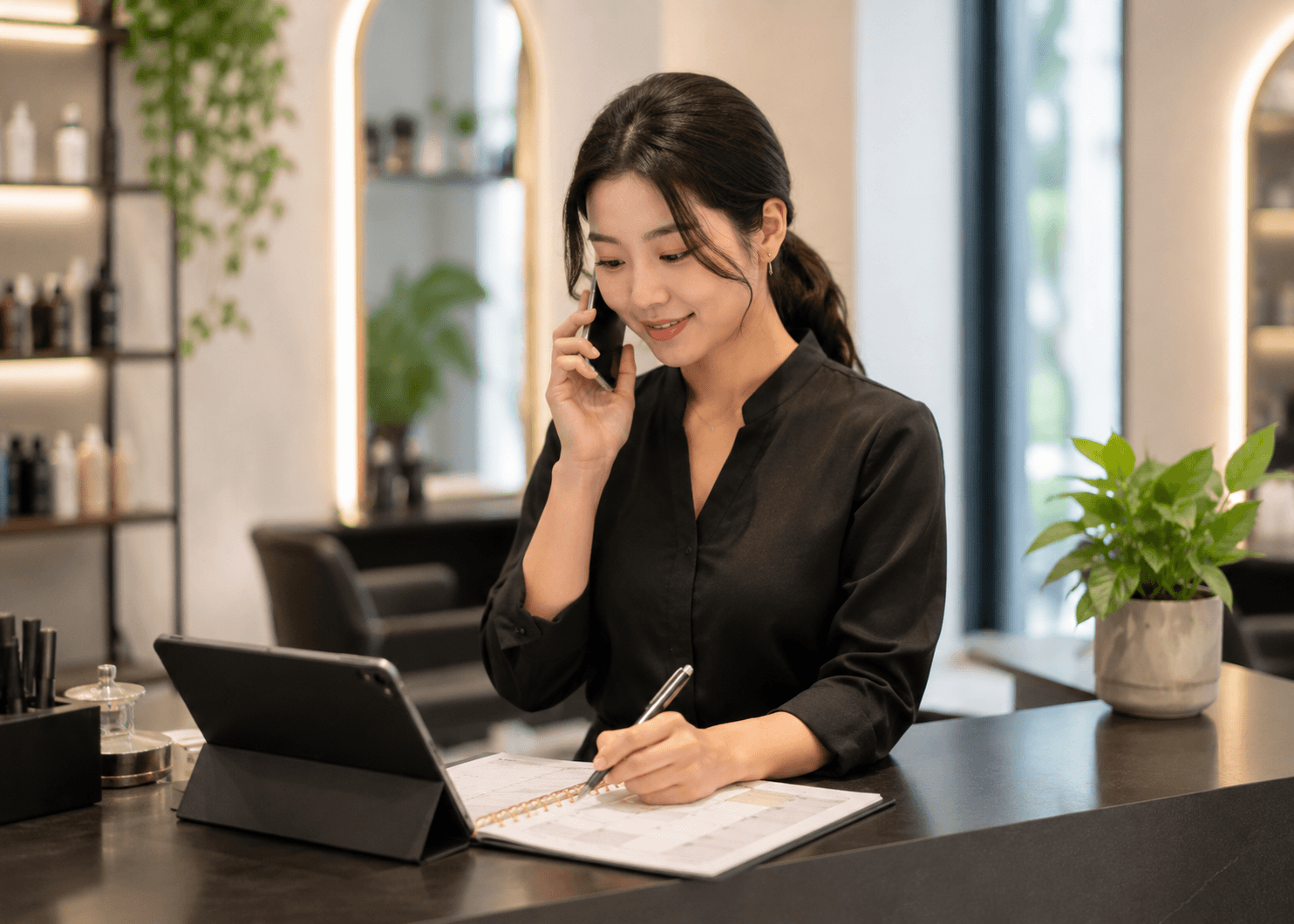
Schedule Change
Notify customers quickly when appointment times change or are cancelled.
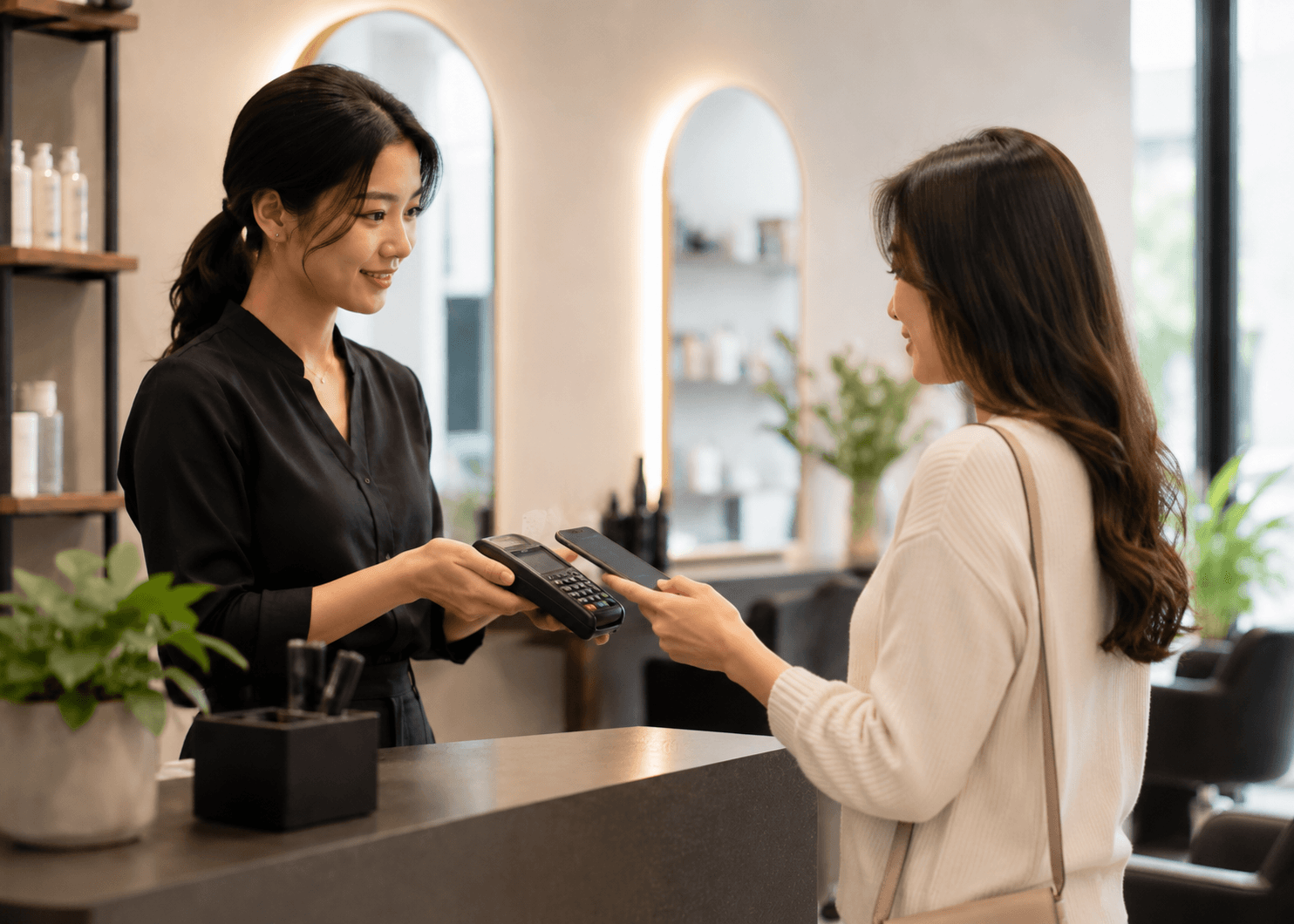
Payment Notification
Send invoice or receipt updates after payment is completed in WESS.
Your account remains under your control
WESS only accesses a client’s WhatsApp Business Account after the client connects the account and grants permission.
Designed around permission and client ownership
The connected business remains in control of its account, sender number and selected notification workflows.

Permission-Based Access
Your account is connected and authorised before WESS uses it.
Client-Owned Number
Customer messages are sent from your connected business number.

Operational Notifications Only
Use is limited to the notification workflows selected by your business.

Message Status Visibility
Your team can see notification status directly inside WESS.